


Community management
Community management with Scompler: Greater reach and dialogue




Benefits of Community Management
01
Interact in real time: Track, respond to, and analyze reactions, comments, and activities.
02
Seamlessly coordinate all your social media activities within your Scompler project.
03
Derive concrete insights for your content planning from community dialogues.
Targeted community management for greater impact.
With the add-on Community Management feature in Scompler, you can analyze interactions, strategically align your responses, and gain valuable insights for the performance of your topics further planning.
Dialogue becomes strategy – community management strengthens focus, priorities, and strategic control.
Community Management: Manage It Even When You're on the Go
Important news and comments don't just come in during office hours. With Scompler, social media teams can keep an eye on their community even when they're on the go, respond more quickly to relevant inquiries, and assign messages directly to the right team members.
Mobile access helps teams manage their communities flexibly and reliably-whether they're in the office, on the go, or on call.
Here's what Scompler Community Management offers you:
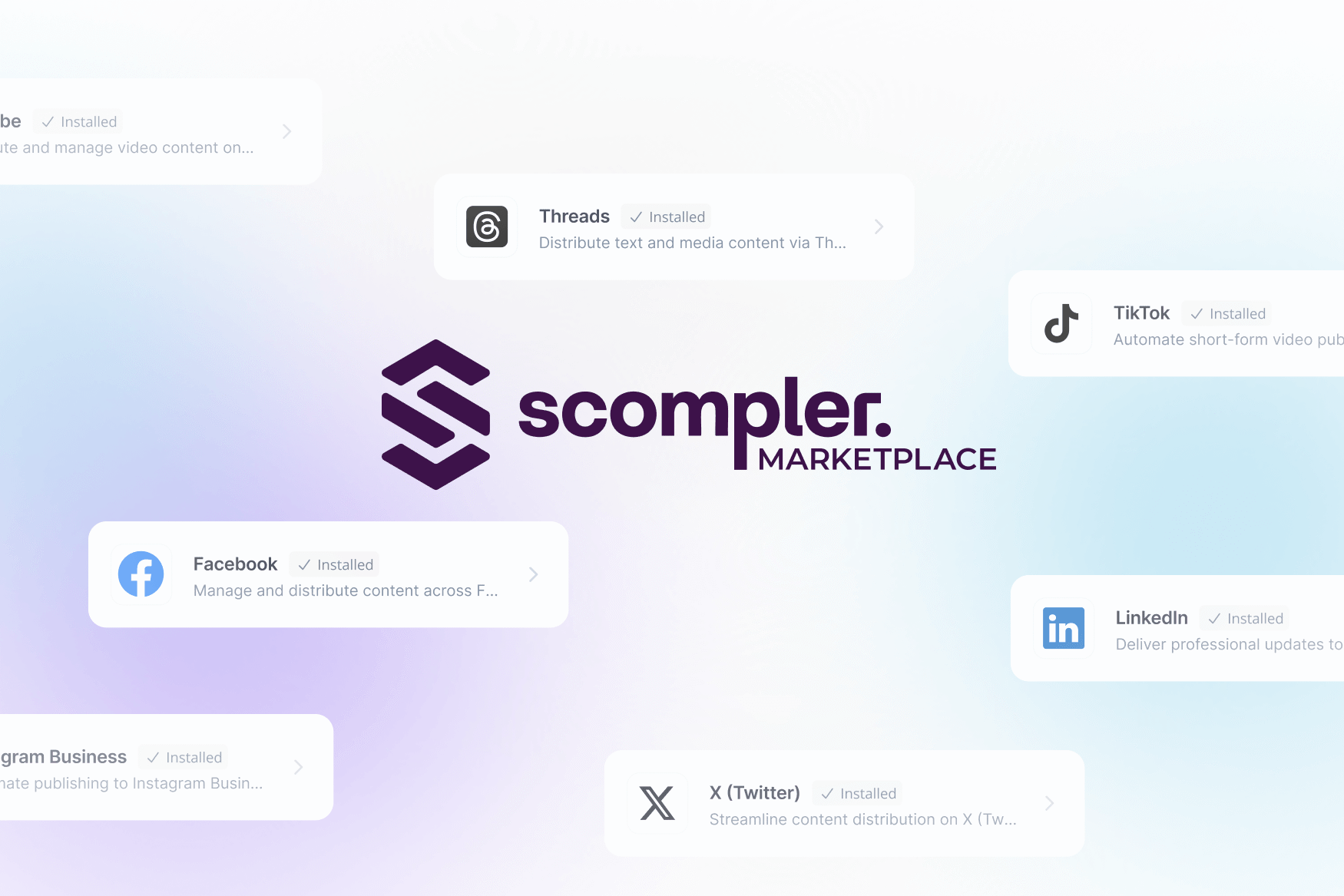
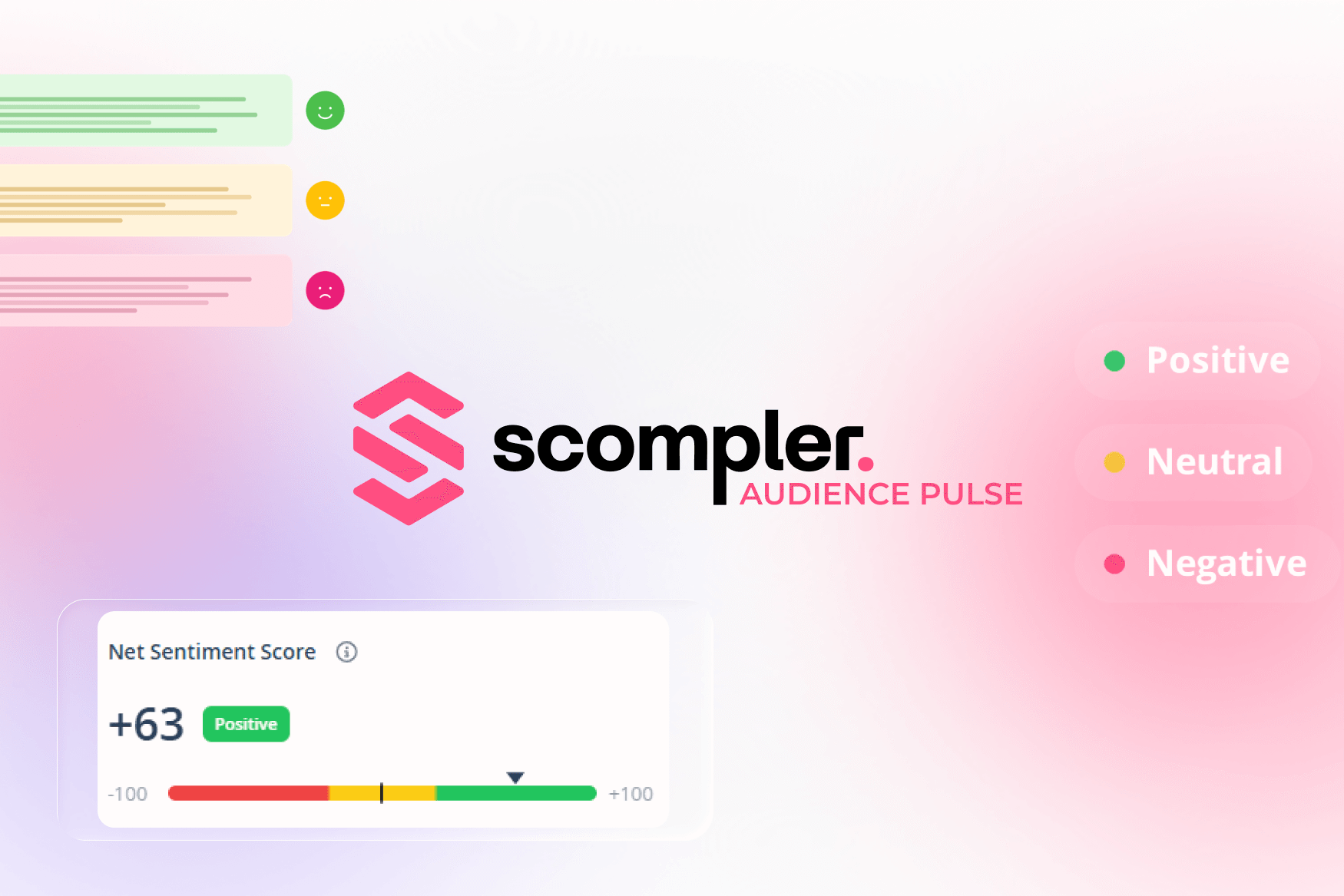
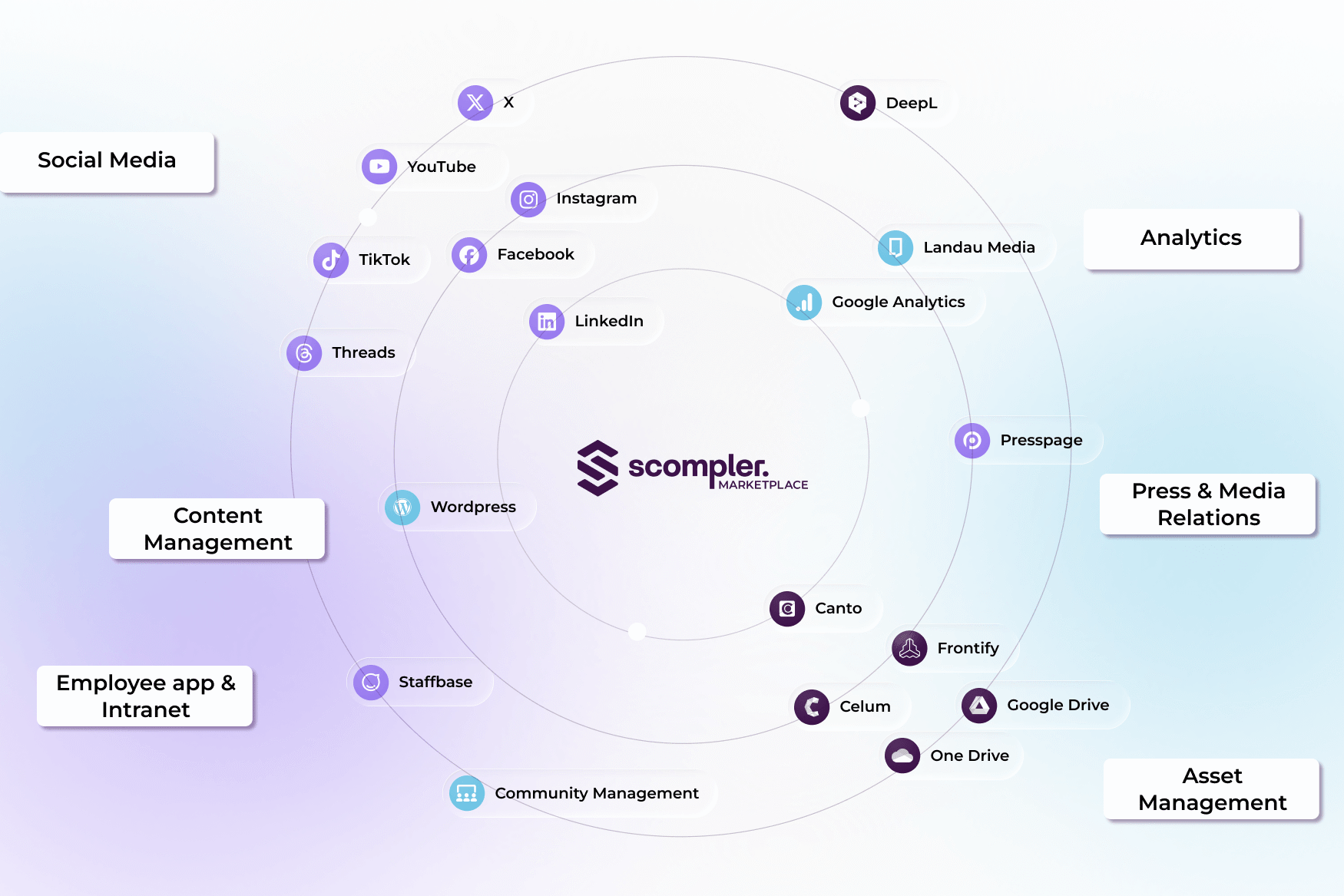
Edit your community's reactions, comments, and activities on their posts on Facebook, Instagram, LinkedIn, and X in real time-all bundled into a single application. Identify trends early on, cluster reactions by topics sentiment, and adjust your strategy accordingly.
All interactions in one place: moderate comments, respond to messages, and easily keep track of all community activities.
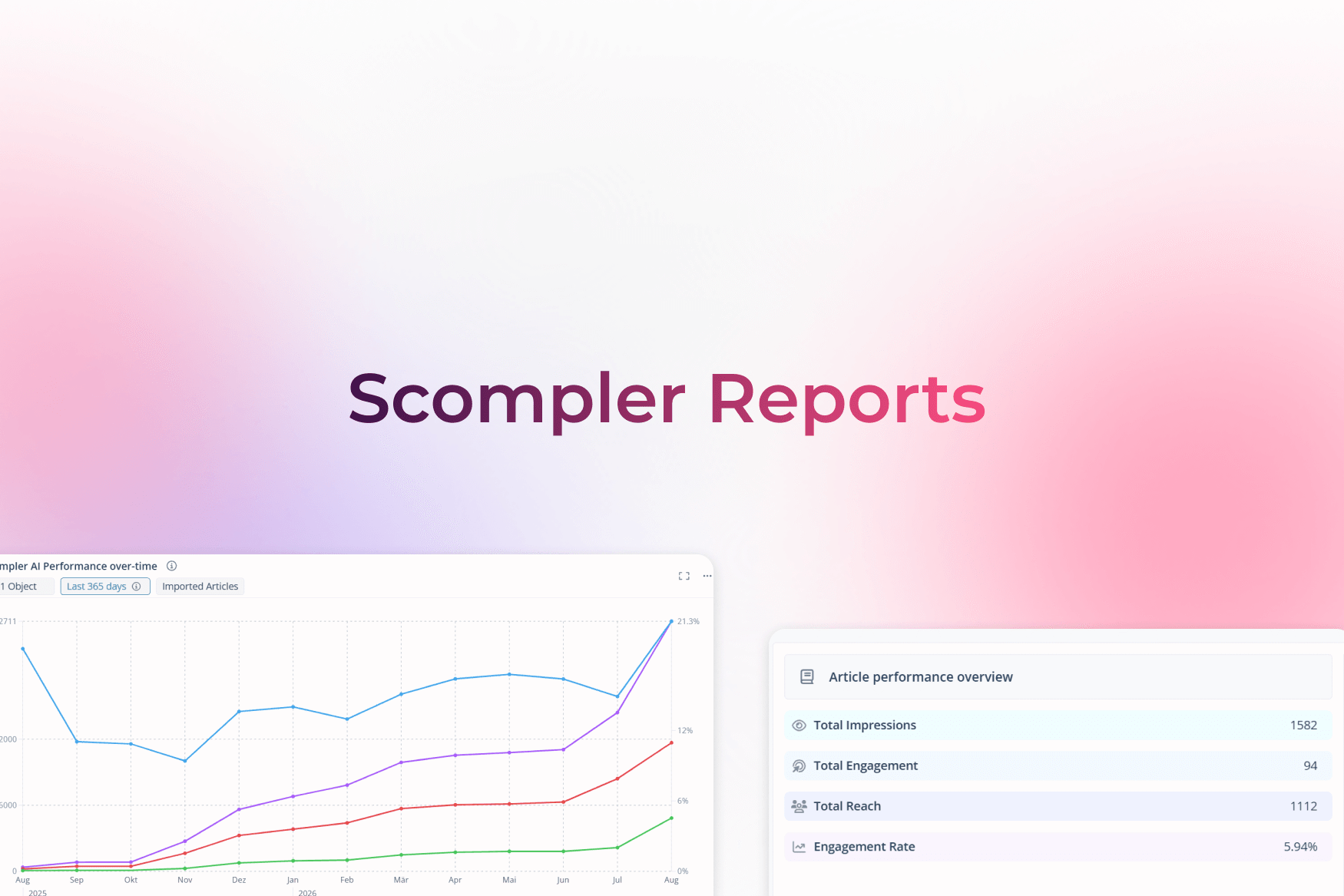
Gain deep insights into your users' engagement. Which posts inspire your community the most? Detailed reports provide the answer.
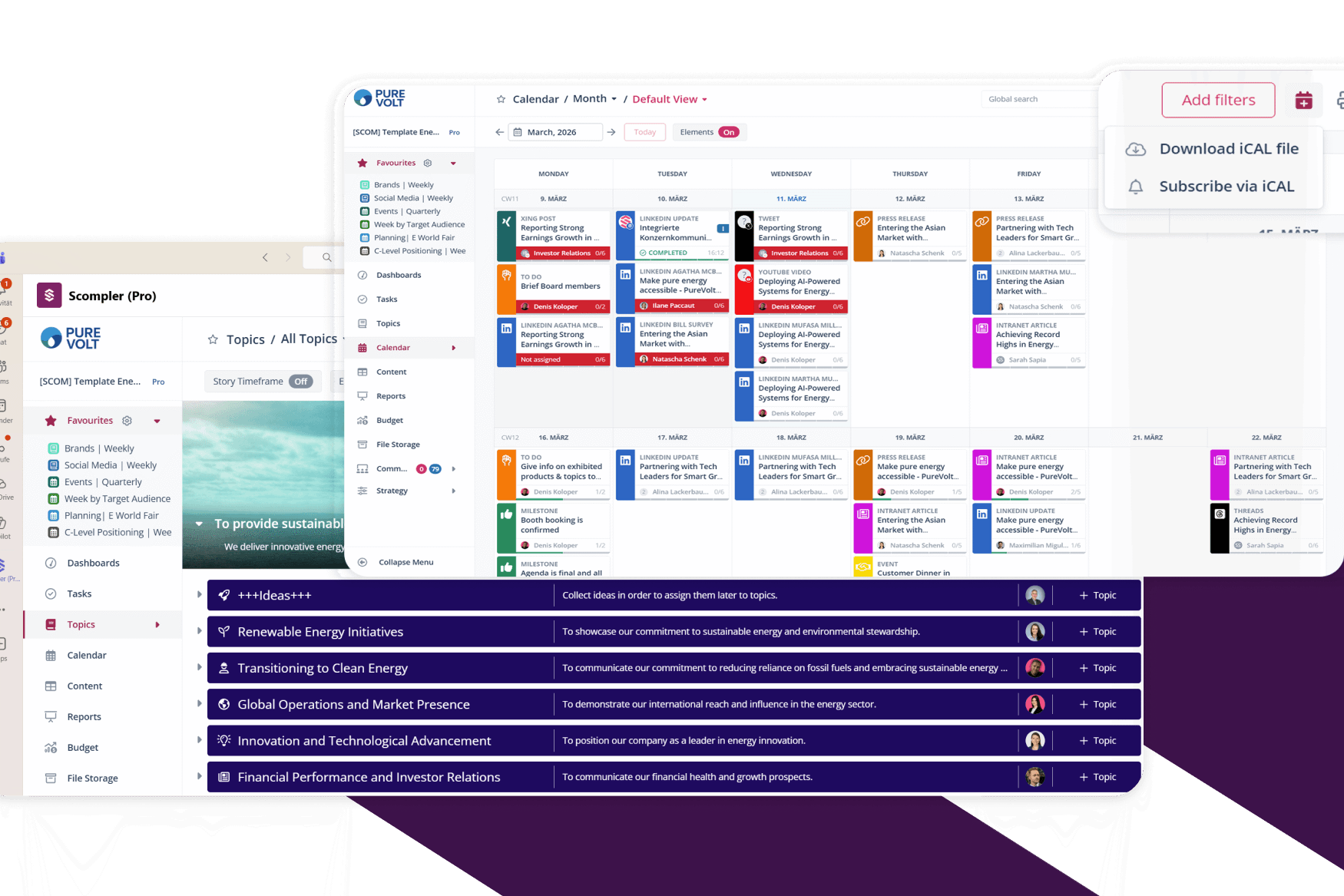
Scompler Community Management was developed with a focus on ease of use. Templates and custom tags allow for optimal adaptation to your processes. This seamlessly integrates dialogue with social media communities into your existing Scompler environment.
Insights into community management
Community management in Scompler brings together all interactions from connected social media channels in one central location. Posts and comments can be quickly assigned, edited, commented on, or closed-including templates, tags, and internal notes. In addition, integrated reports provide insights into response times, open conversations, and channel performance, making community dialogues measurable and strategically controllable.