



Differences in Content Planning-and How to Integrate Them
Scompler vs. Microsoft 365
“We use Microsoft Planner and Excel spreadsheets for our campaign planning-how is that different from Scompler?” We get asked this question a lot. In short: Microsoft 365 supports collaboration, communication, and file storage. However, systems like Planner, Teams, Excel, and SharePoint aren’t sufficient for strategic communication management.
Put an end to Excel chaos: Scompler as an operating system for strategic communication
Scompler specializes in strategic communication, making it the ideal platform for communications and marketing teams looking to strategically manage their topics content-including topic architecture, workflows, roles, publishing, and integrated AI. When used together, Scompler and Microsoft 365 form an unbeatable system for integrated corporate communications.
The key difference
- Scompler is an operating system for strategic communications, specializing in the planning, production, delivery, and analysis of content.
- Microsoft 365 is a comprehensive collaboration suite designed for operational collaboration, file storage, and project management.
- Scompler bridges the strategic gap in M365 through an integrated topic-based architecture, personas, and direct multi-channel publishing from a central system.
Overview of Features and Benefits
| Criterion | Scompler (Focus: Content lifecycle and strategic communication) | Microsoft 365 (Focus: Collaboration) |
|---|---|---|
| Target group | Communications teams, marketing, press offices, newsrooms, integrated communications | All employees and project teams |
| Focus | Full content lifecycle, strategic topic planning, editorial planning, storytelling, content production, publishing, integrated Scompler AI | General collaboration, document editing, task management, file storage |
| Strategic level | Thematic architecture, objectives, personas, messaging, strategic parameters | No strategic communication logic; the strategy is contained in files and folders |
| Editorial Planning | Customized calendar and campaign views based on team, channels, or goals, Omnichannel orchestration, where planning is directly linked to production, approvals, publishing, and content analytics |
Use "Planner & Lists" as a to-do list, and Excel lists for an overview; which is isolated from production and approval workflows |
| Workflows & Approvals | Custom workflows for each content type, approvals, roles and permissions, transparent version history | Tasks in Planner or approvals in archived SharePoint files without a direct link to planning and publishing |
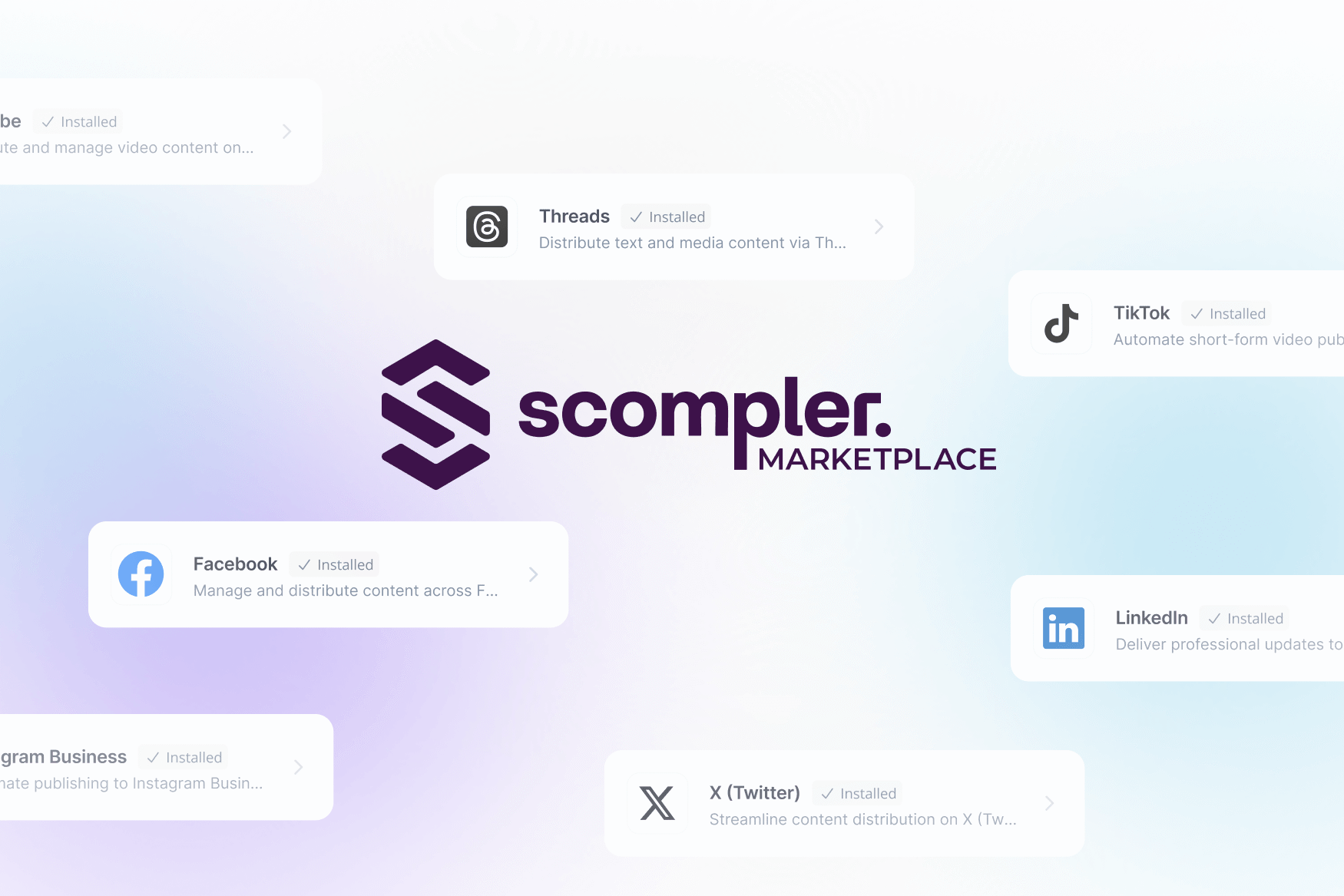
| Publishing | Direct social media publishing, integrations with CMS, intranet, and PR tools via API in the Scompler Marketplace | Not possible; requires additional tools |
| Analysis | Integrated content performance analysis with reporting widgets and external data integration | No built-in content analysis; analyses are available individually for each tool or aggregated in PowerBI |
Recommendations
Scompler delivers value wherever strategic topic management, content planning, campaign work, and cross-channel communication are key priorities.
Microsoft 365 is ideal for operational collaboration, file storage, coordination, and general project management.
Complementary solution: Scompler organizes and manages all communication processes and eliminates the need for unstructured Excel spreadsheets, while Microsoft 365, as a collaboration platform, complements operational collaboration in corporate communications, marketing, and PR.
In Microsoft Teams, communications departments can access Scompler directly and link it to their notifications.
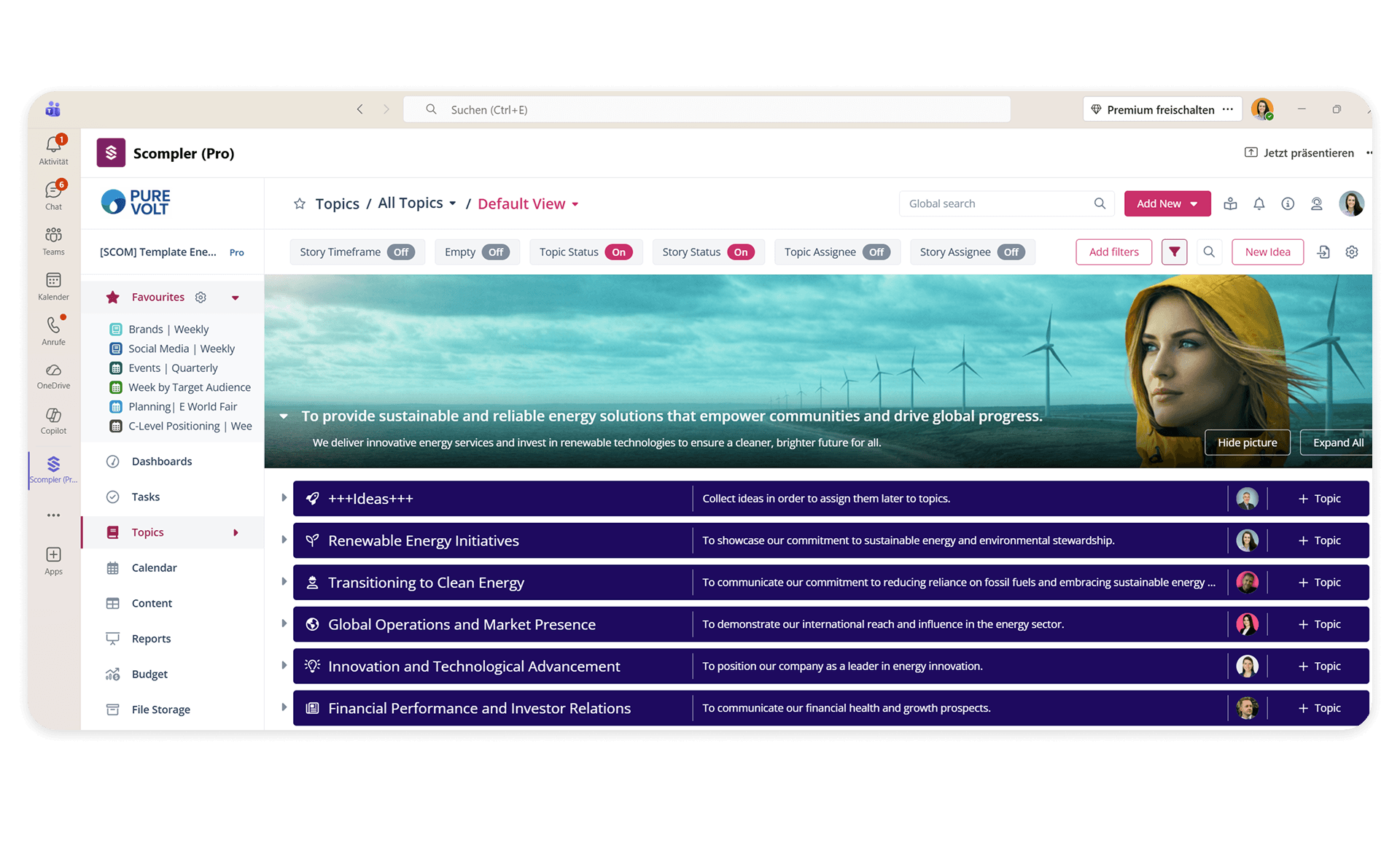
Scompler vs. Microsoft 365:What integration with Microsoft Teams can do
Scompler integrates seamlessly with Microsoft Teams. The Scompler app integrates Scompler directly into Teams as a tab. This allows users to access Scompler’s key features-such as the editorial calendar, topic boards, or individual projects-directly within their familiar Teams environment.
By integrating Scompler into Teams, companies benefit from a seamless connection between content management and modern team communication. Processes are streamlined, information silos are eliminated, and adoption of both systems increases.
Editors receive a Teams notification when a piece of content is ready for approval. You can view and edit the task directly from Teams.
Scompler's topic architecture or editorial calendar can be displayed as a tab in a Teams meeting-for real-time collaborative planning.
Conduct your content discussions efficiently and without copying and pasting, since Scompler comments and Teams chats complement each other perfectly.
iCal Export and Calendar Subscription in Scompler
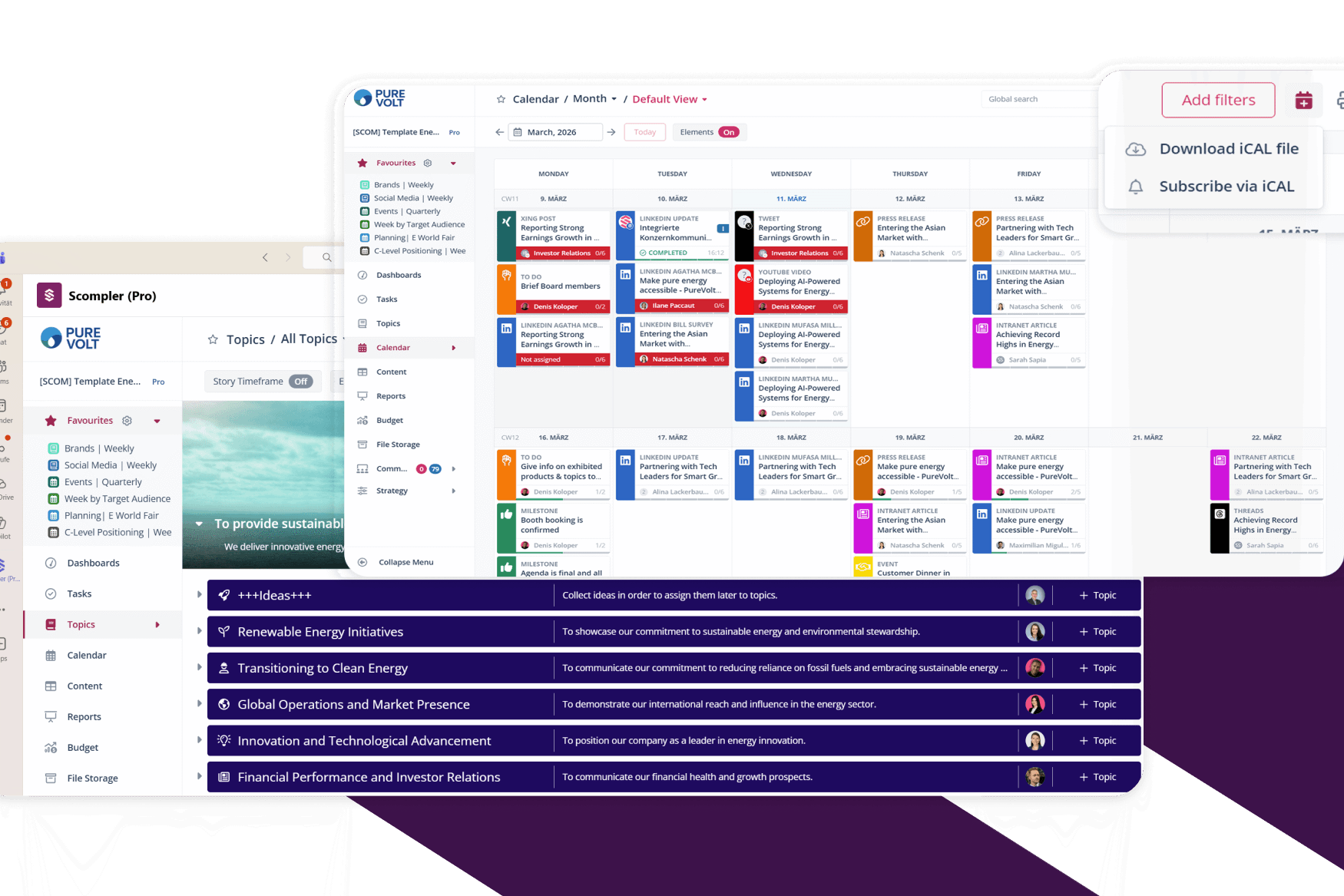
Scompler allows you to integrate the editorial calendar into external calendar applications such asMicrosoft Outlook,Google Calendar, orApple Calendarviaan iCal feed. This enables users to view scheduled content at any time without needing access to Scompler-ideal for executives, stakeholders, or teams who do not play an operational role in the editorial process.
In Scompler, teams can export their content calendar and integrate it directly into Outlook, Google Calendar, or Apple Calendar.
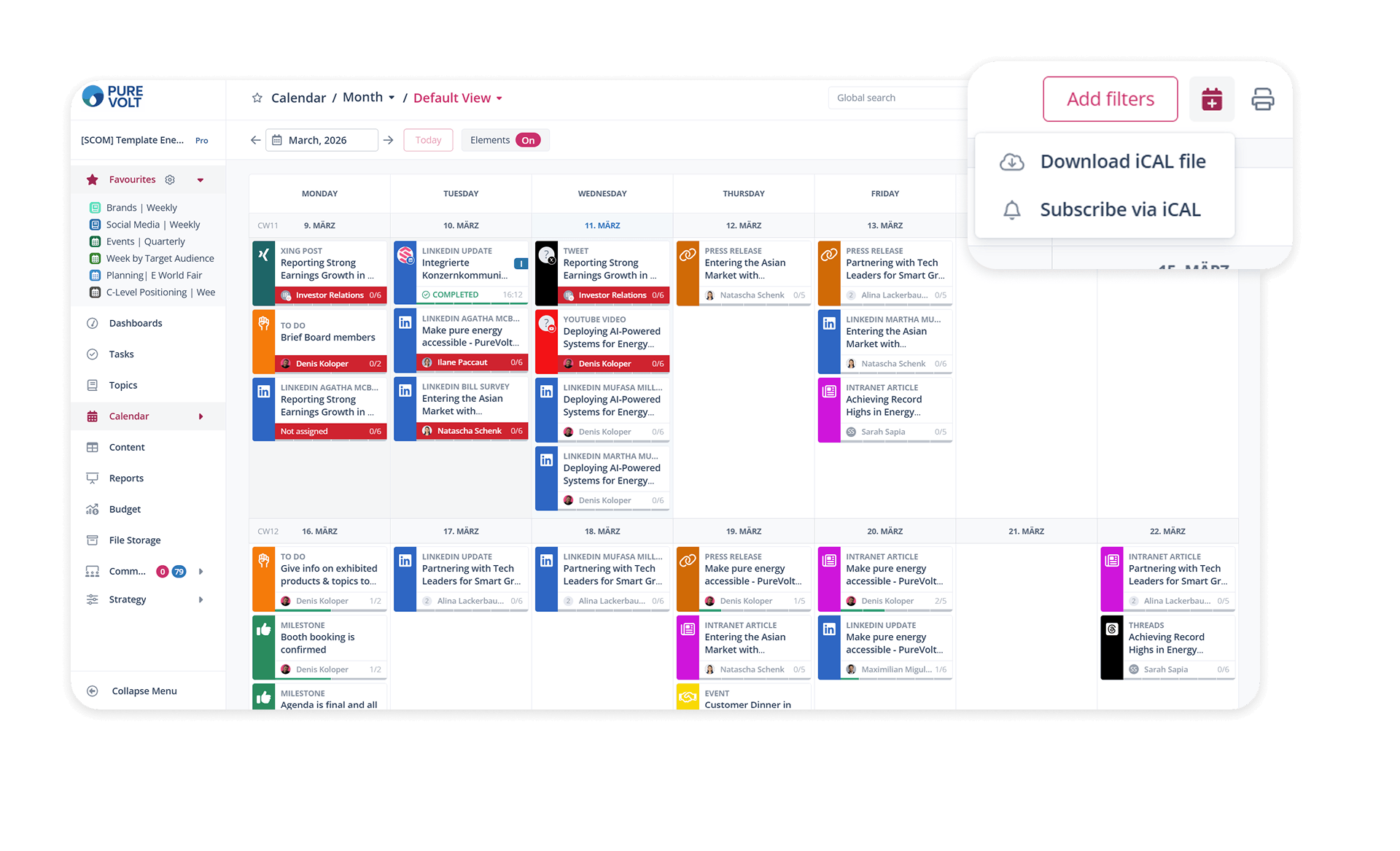
- Always up to date: Changes in Scompler (e.g., new content, postponed deadlines) are automatically displayed in your subscribed calendar.
- Transparency without the need for a license: Stakeholders can view planned measures without needing a Scompler license.
- Mobile access: Content is automatically available on smartphones, as iCal is supported by all mobile calendar apps.
- Quick overview: Managers can see “what’s coming” without having to log in to specific tools.
You can generate an iCal feed using the editorial calendar in Scompler. This link can then be added to a calendar app.
The feed includes:
- Date and time of the planned release
- Title of the post (story or initiative)
- Channel / Medium (e.g., LinkedIn, website, press release)
- Status information (optional, depending on the filter selection)
- Description or brief overview (if enabled in the calendar)
The iCal feed provides organization-wide transparency: departments and management can keep track of planned communication channels and publication dates at all times-even without a Scompler license or mobile access. This allows teams outside the communications department to identify synergies or conflicts in campaign planning early on.
Scompler vs. Microsoft Teams: A Blend of Strategic Communication and Productivity
While Microsoft 365 provides the foundation for your daily collaboration and productivity, Scompler handles the strategic management of your topics, content, and communication. By combining these two worlds, you create a powerful system for modern, integrated communication that streamlines processes and permanently breaks down information silos.
FAQs: Scompler vs. Microsoft 365
Approvals, AI, Content Planning: Learn how Scompler and Microsoft 365 differ from one another-and in which use cases they complement each other perfectly.
While Microsoft 365 provides an infrastructure for general collaboration, Scompler is a specialized operating system for strategic communication and content planning. Scompler integrates strategic elements such as personas, topic architectures, and corporate goals directly into the planning process. Microsoft 365 remains at the level of task management (Planner) or document storage (SharePoint) without placing these within the company’s overall strategic context.
In Microsoft 365, approvals are often handled via email in Outlook or chat messages in Teams. Scompler offers dedicated, customizable approval workflows with clearly defined responsibilities and deadlines. All comments and approval stages are documented directly within the content. This ensures maximum transparency, clear governance, and a significant increase in efficiency in content production.
Scompler replaces the chaos of rigid and error-prone Excel spreadsheets with a centralized editorial calendar. While Excel and Planner merely track progress and manage tasks, Scompler offers automated workflows, real-time updates, and direct content production within the software. In addition, the calendar views can be configured quickly and easily-for example, by time periods, goals, or channel types. This reduces coordination efforts and data silos and ensures that everyone involved always has access to the most up-to-date, strategically aligned planning.
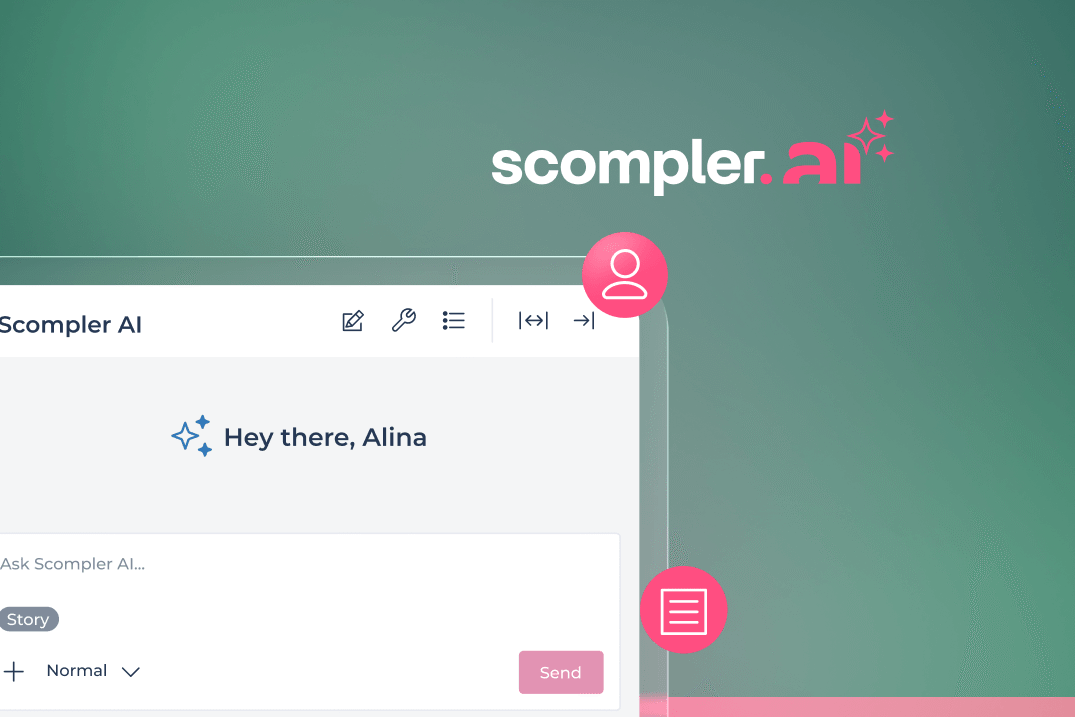
Microsoft Copilot is an AI assistant designed to streamline work within Microsoft solutions, including tasks such as text generation and meeting summaries. Scompler AI, on the other hand, is an AI solution strategically integrated into the content ecosystem of communications departments. The AI accesses the personas, topics, key messages, and tone guidelines stored in Scompler. It doesn’t simply generate content; rather, it ensures that every piece of content actually contributes to the defined strategy-a crucial advantage for brand consistency.
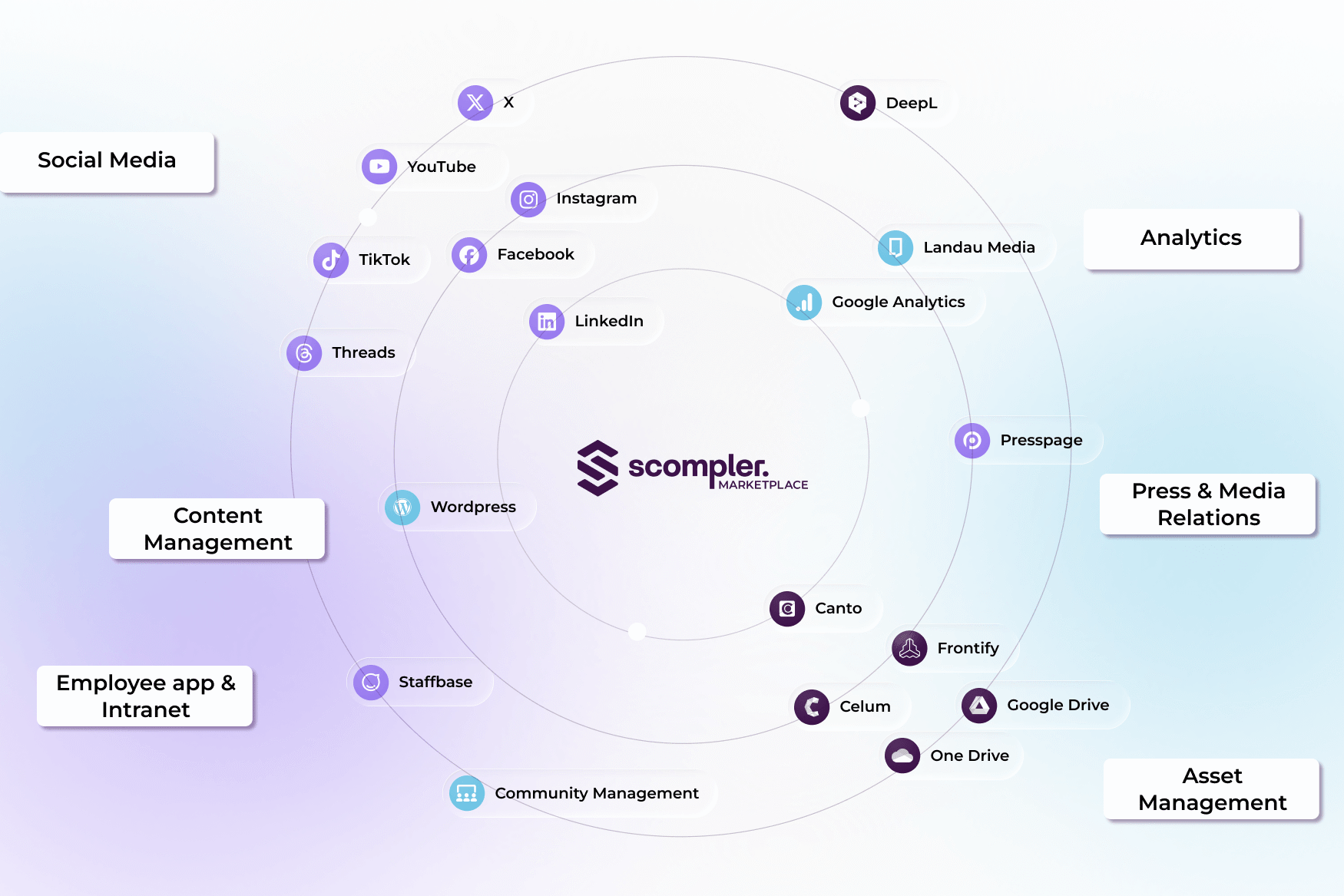
Yes, Scompler is not a replacement, but a strategic extension. Thanks to its seamless integration, Scompler can be embedded as a separate tab in Microsoft Teams. In addition, SharePoint can be connected to Scompler, allowing communicators to access their assets directly from within Scompler. Furthermore, editorial deadlines can be synchronized directly with the Outlook calendar. This way, daily communication remains within the familiar Microsoft environment, while content management takes place in Scompler.
author

Valerie Hundevadt
As a working student in the marketing department at Scompler, Valerie Hundevadt primarily supports the company’s content and event communications. In this role, she helps implement the content strategy and adapts topics across various formats. Scompler is a widely used software solution for strategic communications management.