



More collaboration, analytics and efficiency in content planning
Bye, bye data chaos: the capabilities of the new Scompler API
How often do we hit a wall in our content work-and find ourselves needing greater access to performance and impact data, automated content updates, synchronized workflows, or a cross-system structure? The new Scompler GraphQL API bridges these gaps, enabling communications and marketing departments to plan, deliver, and analyze content even more efficiently and holistically.
Our API meets the needs of both operational and strategic teams. It reduces the need for manual copy-and-paste of content and status updates, facilitates a holistic view of custom analytics and dashboards, and enables the scalable integration of data into and out of other systems.
Get to know: Scompler GraphQL API
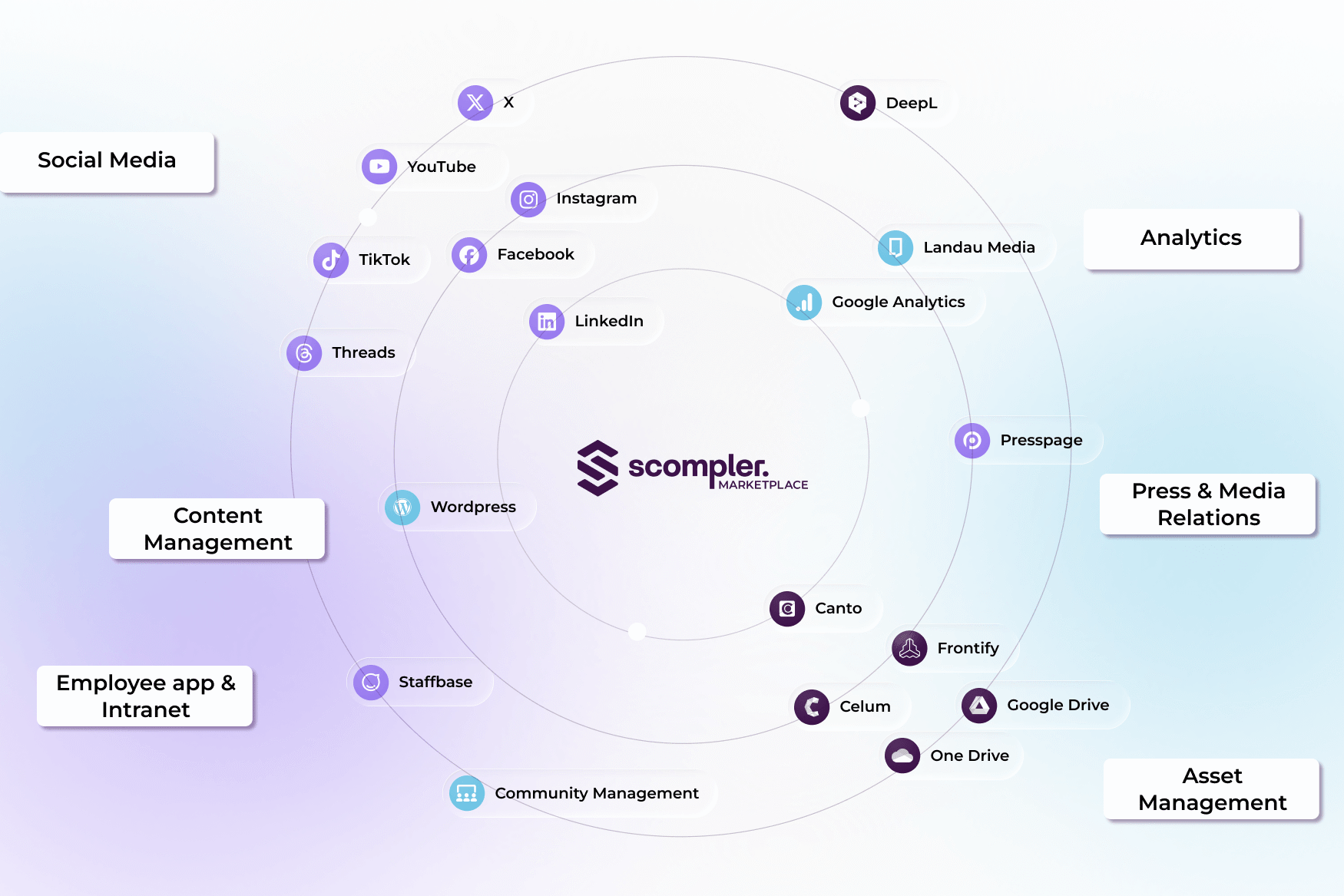
- Extract data and content from Scompler and transfer it to external systems for publication and analysis
- Synchronize workflows in Scompler by updating the status of content pieces published in other systems.
- Map digital asset structures in Scompler and enable access to externally stored digital assets
Capabilities: What the Scompler API does...
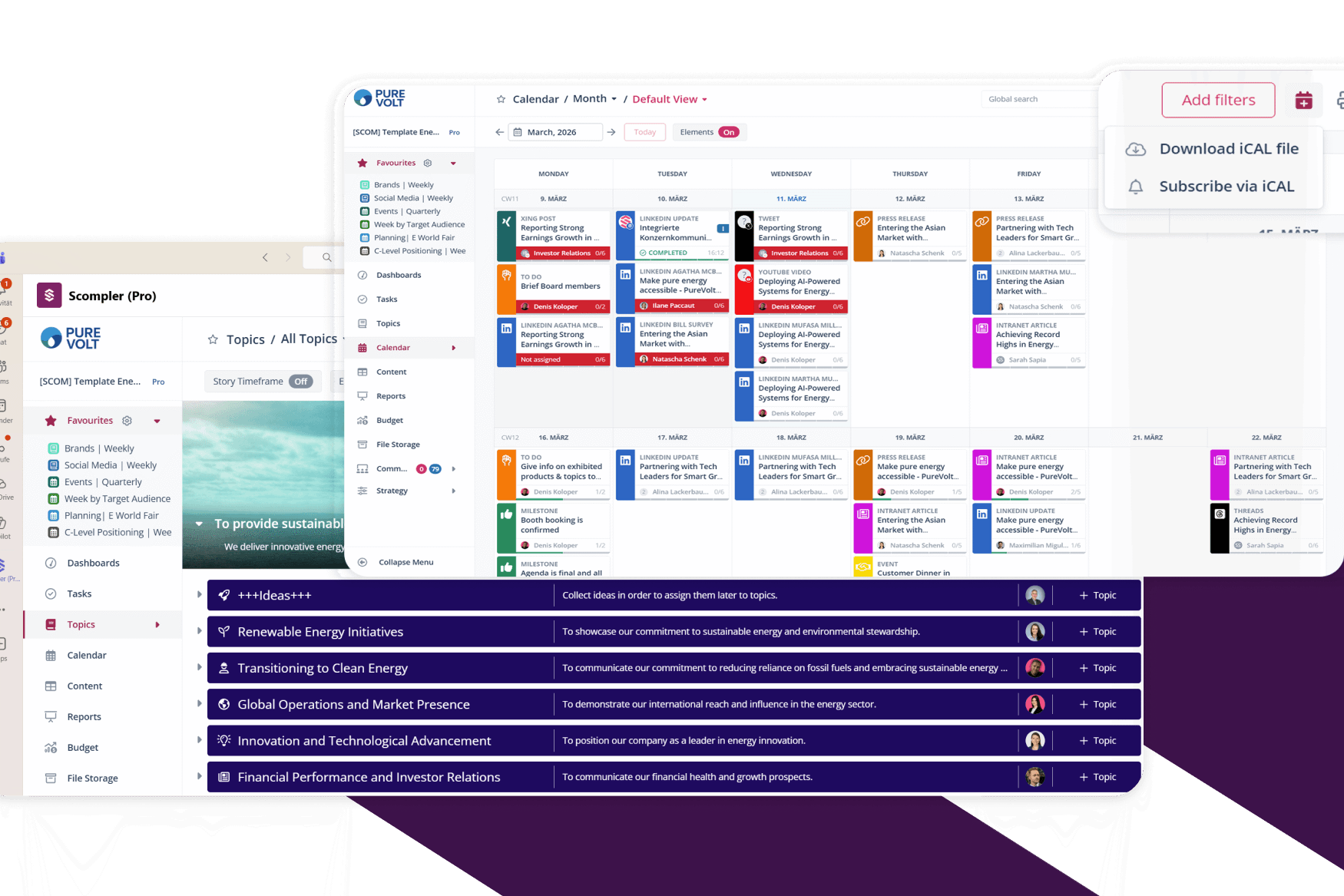
In content planning and production
The Scompler API allows external tools and systems to interact with Scompler and retrieve information-such as workflow status or the content of a specific post.
Folder structures from intranet and collaboration platforms can be replicated in Scompler via the API, enabling access to digital assets stored externally (e.g., in DAM systems).
In content distribution
The API can be used to distribute your planned and ready-to-publish content from Scompler, such as press releases or website texts, to external systems so there is no need to copy and paste content manually between platforms.. This not only saves you time, but also makes your content distribution less error-prone.
Similarly, external systems such as your intranet or content management system can transfer data back to Scompler and update workflows. When a post is successfully published in the other system, the status updates in Scompler are synchronized. This ensures that your content planning is always up to date-without any manual maintenance.
In content analysis
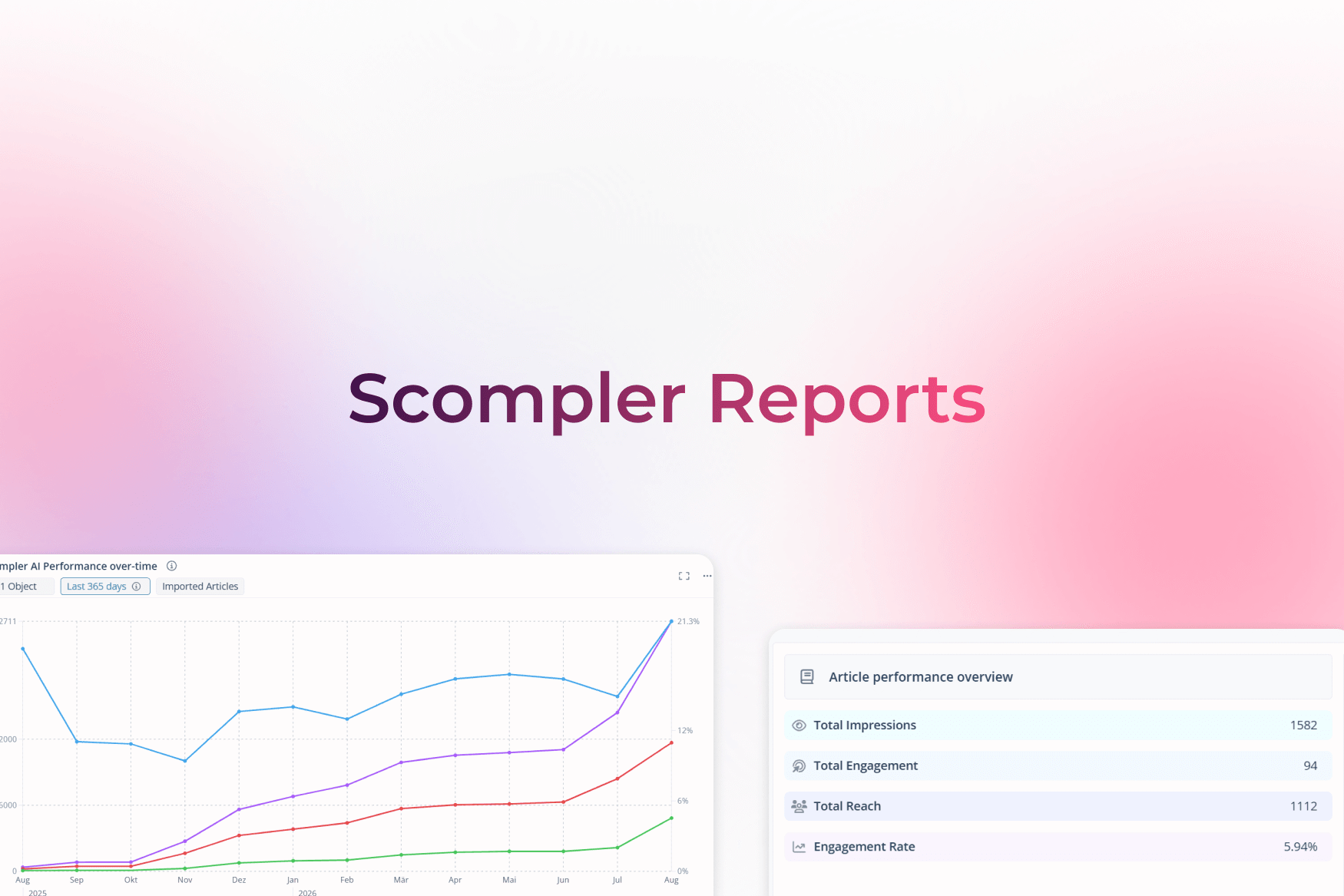
With the Scompler API, departments can retrieve data from Scompler and transfer it to other systems and data lakes for analysis, including internal company platforms for reporting, dashboards, and campaigns, or platforms for social listening. This allows you to continuously expand your data toolset, measure the impact of your communications, and combine different data sources to optimize your communications holistically.
The Scompler API as an add-on
The Scompler GraphQL API is an add-on with package-dependent pricing based on the Scompler contract. Would you like to learn more about the API's applications? We would be happy to talk to you, your team, and your technical support team to find out how the API can best support your communication efforts.
Q&A on using the Scompler API
The Scompler API will be available as an add-on to your Scompler contract from April 1, 2025.
No, the API is not tied to different licenses, but is offered as a package price based on your existing Scompler contract. Once booked, it is available to all users. If your company or team does not yet use Scompler, our sales team will provide you with a transparent overview of the costs, usage options, and technical requirements during the initial consultation.
To quickly connect and use the Scompler API, your team needs nothing more than a brief introduction from Scompler Customer Management and, if necessary, technical support on your end. Once the API feature is activated, every user can directly request access tokens and start working with the API. If you have any questions, our Customer Management and Customer Support teams are always available to help.
The API is available directly in the Scompler project settings after booking.
Authentication to the Scompler GraphQL API is performed using a personal access token. An API access token is a secure key that allows authorized users to connect to the Scompler API and perform tasks based on their assigned permissions. The token is only visible during the creation process and cannot be copied later for security reasons.
The regular rotation of tokens is part of Scompler's compliance with the ISO 27001 and TISAX security standards. The tokens are valid for 180 days and must be renewed before they expire. All communication with the Scompler GraphQL API is handled via a single root endpoint-regardless of whether you are performing a mutation or a query. You can find all information regarding codes, limits, and API functionalities here in a detailed article.