

Scompler feature highlights from the fourth quarter
The latest updates in Scompler in a webinar
In the second quarter of this year, we have once again developed and refined many great features for you. In this interactive live session, we will guide you through the latest functions and answer your questions so that you can integrate the latest features into your everyday life with Scompler.
What you can expect from the webinar
You can now flexibly switch between ANDand OR logic in the parameter filters. With the new OR logic, all posts that contain at least one of the selected parameters are displayed-ideal for broader searches. The option can be activated directly via the filter area. (Parameter options are currently excluded.)
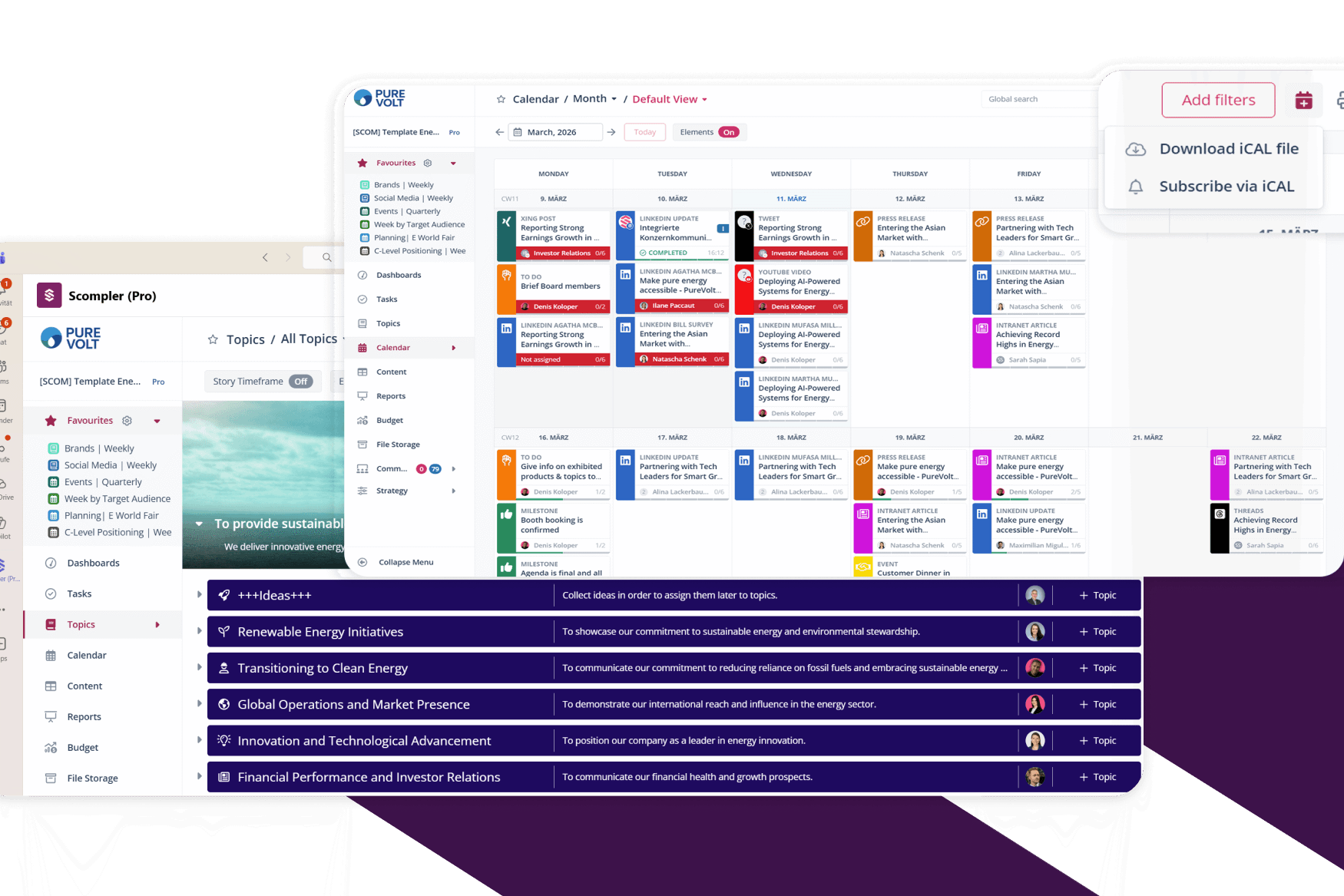
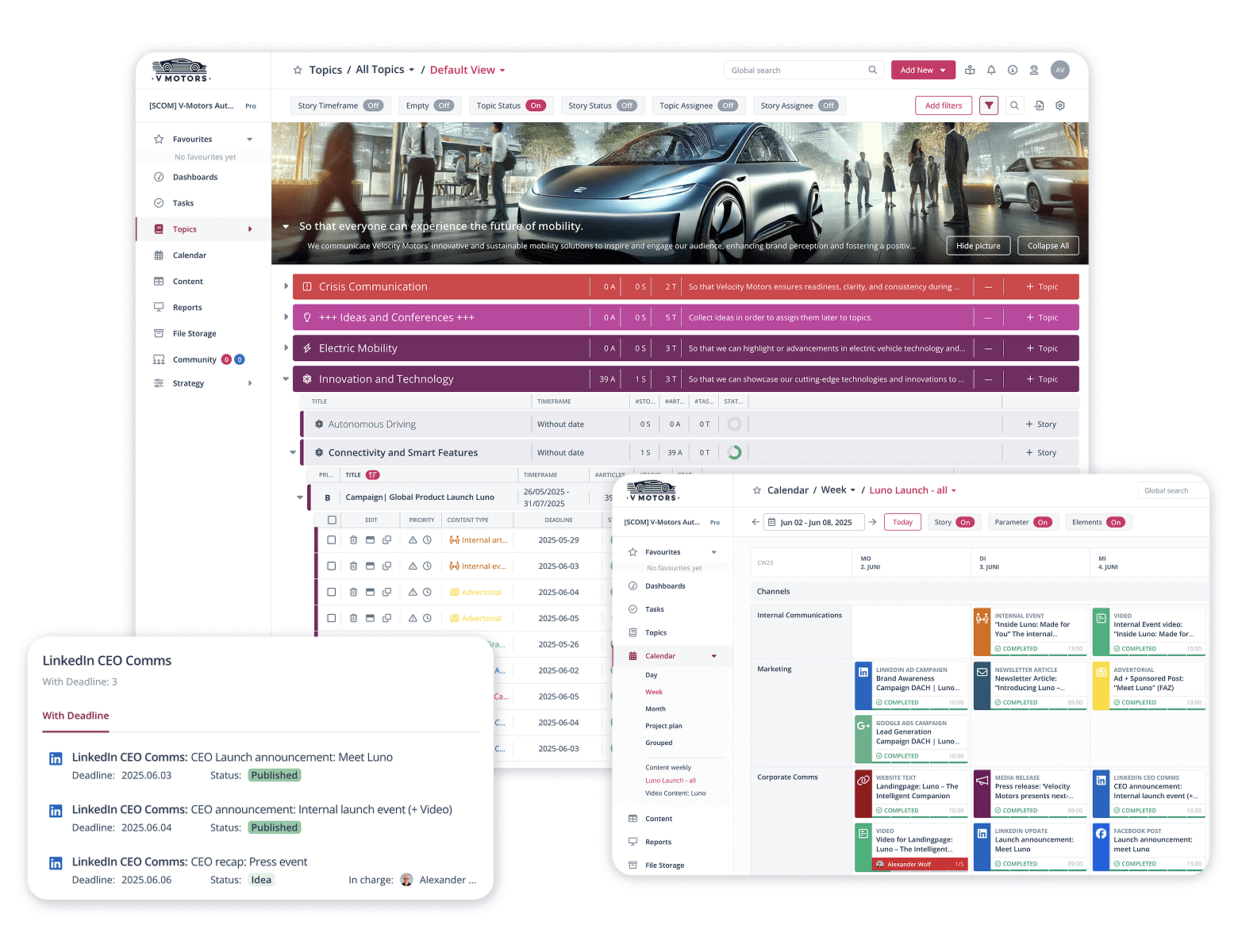
Post priorities are now visible directly in the calendar, giving you an even better overview of important content and deadlines.
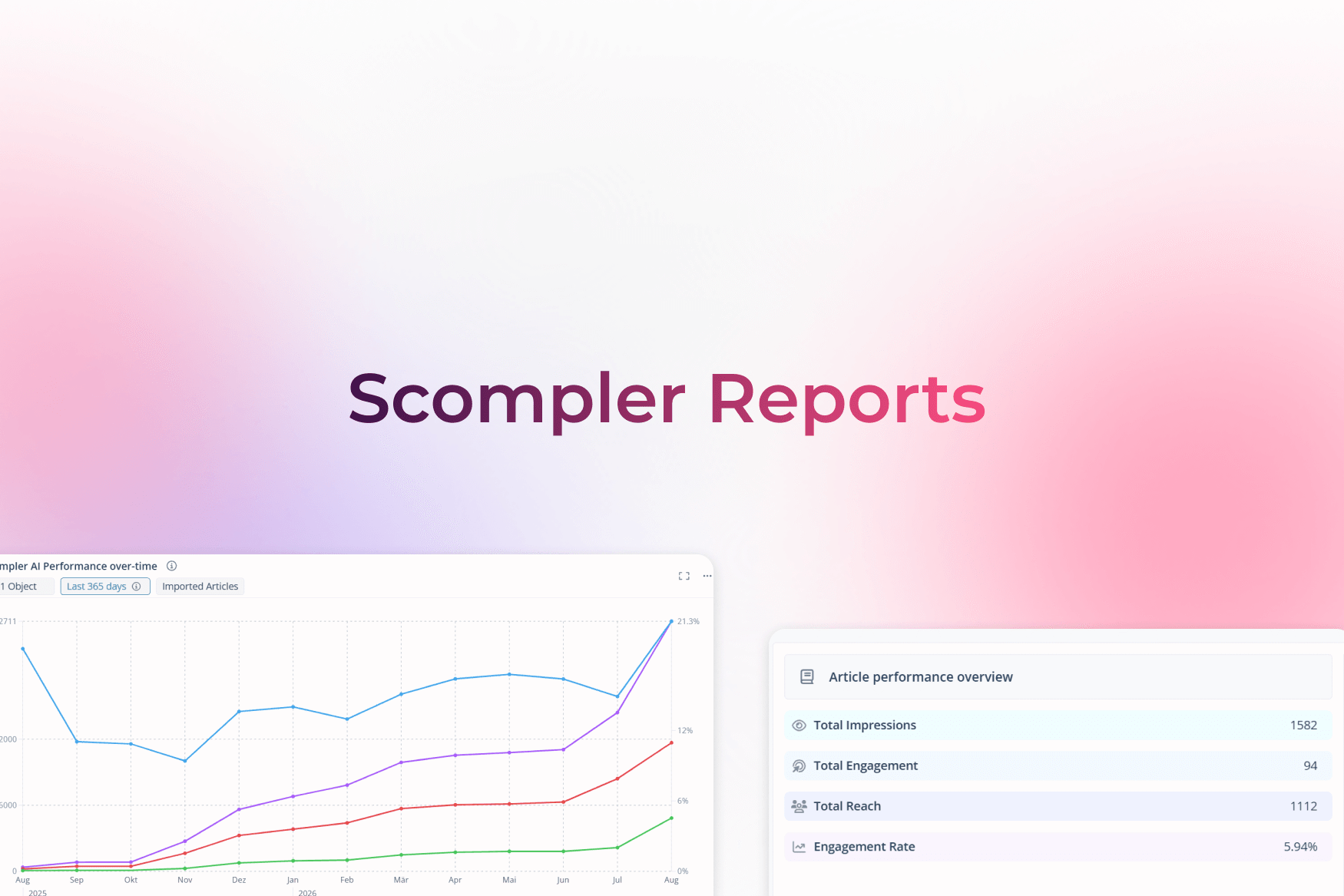
Our analytics section has been completely revamped: new design, improved technical basis, and an even clearer overview of your communication performance-in post, story, and topic cards.
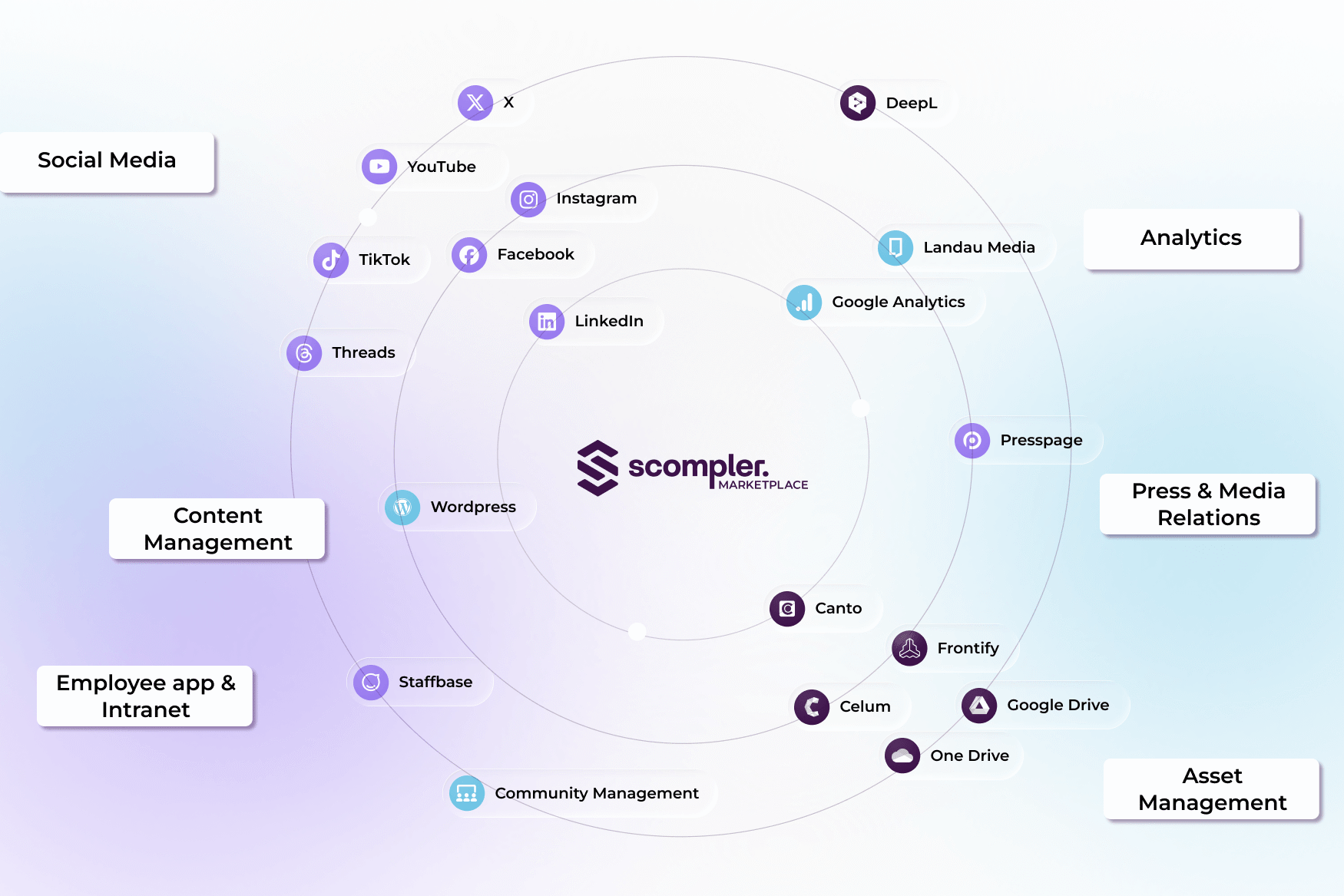
Clippings grouped in Landau Media now also appear summarized in Scompler. Multiple publications are displayed as a single post with an indication of frequency-for a tidy analysis and clear overview. You can find more information about Landau Media integration here.
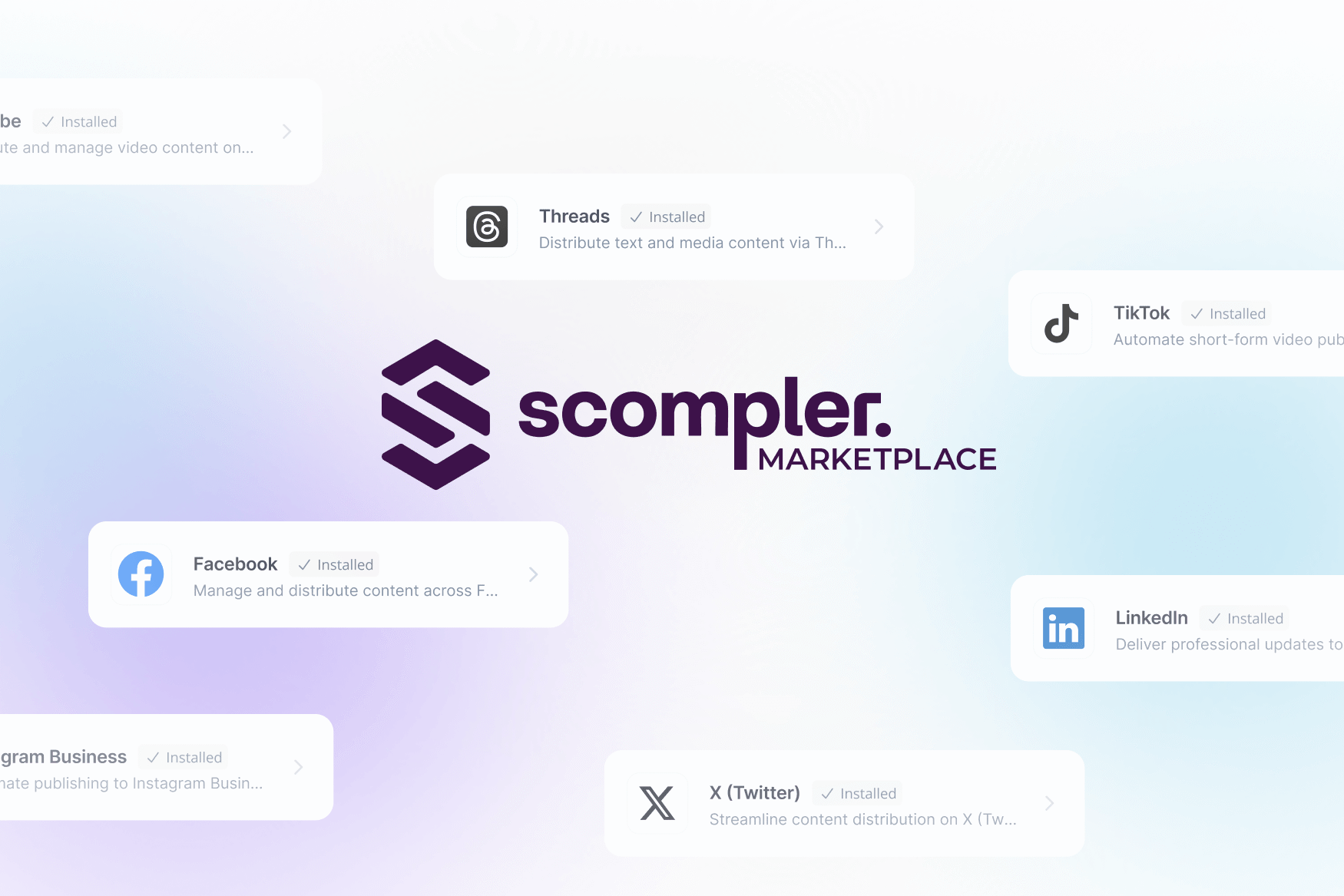
Our Staffbase integration can now do even more:
Schedule posts and publish them automatically
Send content with push notifications
Link Staffbase articles with scheduled posts in Scompler
With the new download feature in the mobile app, you can save files from topics, stories, and posts directly to your device-for sharing, editing, or publishing on the go. You can find more information about our mobile app in our Knowledge Base.
YouTube has increased the maximum length for shorts-and we're adapting: In Scompler, you can now create and schedule shorts up to 180 seconds long.
You can now upload Adobe InDesign files (.indd and .idml) to the media database and attach them to topics, stories, or posts-ideal for collaborating with creative teams.