

The Scompler product team presents
Feature reports in the webinar
Webinar recording
The new Scompler reports in the webinar
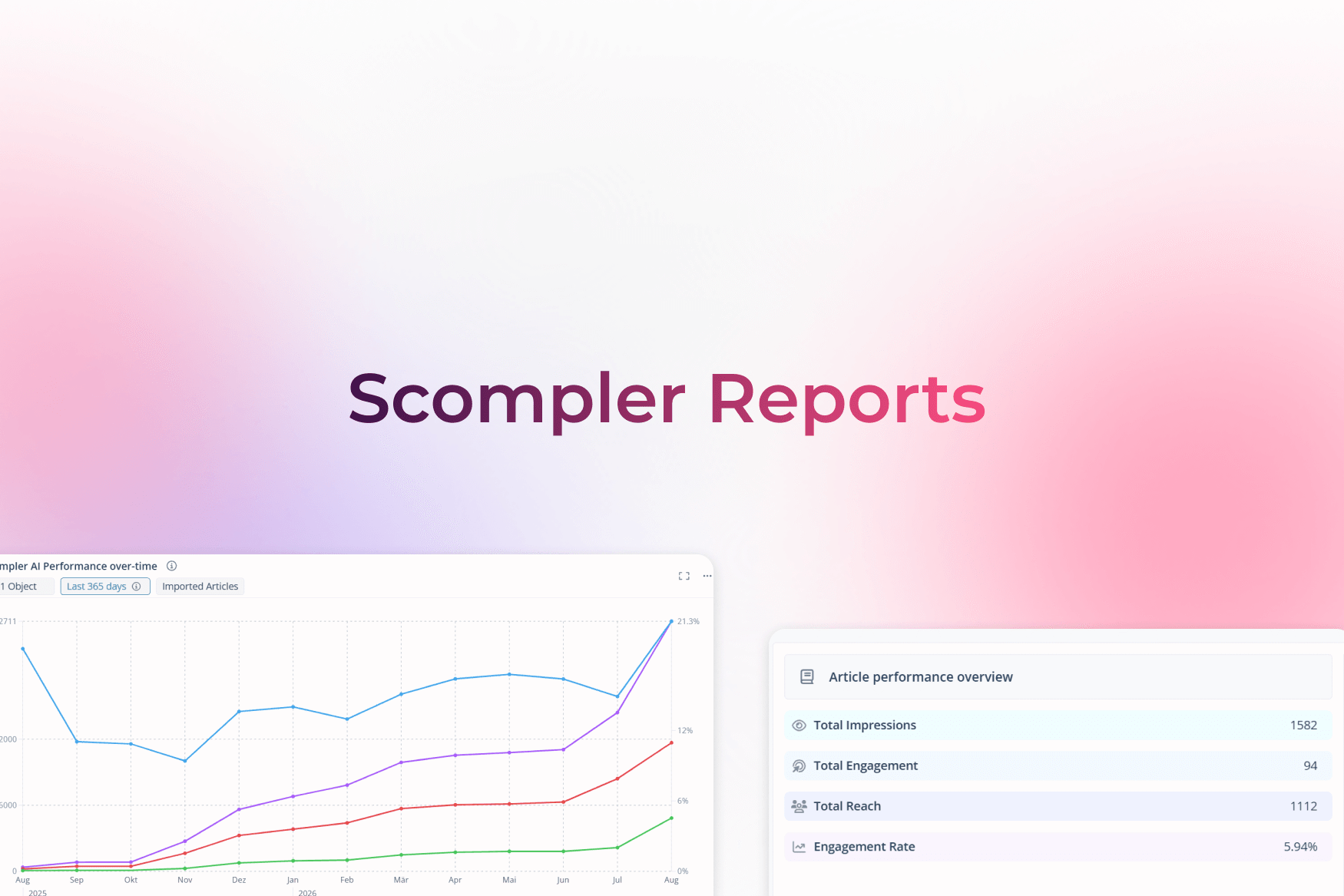
The new Reports feature makes analyzing your communication activities easy and clear. You have numerous filter options and can create a variety of dashboards to view different aspects of your communication. This makes comparing time periods a breeze, for example.
Find out in our presentation how you can make good use of the reports and what you need to get started:

In our webinar, you will find out about:
We'll show you how to set up tabs and widgets. You can create a variety of tabs and combine different types of widgets. User groups allow you to control who has access to the area and who can create and manage tabs and widgets.
Using practical examples, we show you how to use the new features to create meaningful charts and combine them into comprehensive reports. We provide tips on using filters and settings so you can get the most out of your analyses.
Social media integration will be used in the future to clearly display reliable performance data from your social media activities. In addition to evaluating your posts, channel information is now also available to you: from a simple channel overview to the number of your followers over time to the performance of your channels and profiles.